Design Engineering AI Skills
A growing collection of design engineering AI skills, a free Claude Code course, a skill for generating showroom UI, and other practical AI resources for designers and design engineers.
The line between design and engineering is becoming blurrier. In some companies, designers ship code to production daily. In others, engineers refine micro-interactions and update design systems in Figma.
As a result, some people move into a design engineering role — a beautiful intersection of UX, accessibility and front-end. And some people move into a PO, PM or DesignOps role.
On all of these paths, typically we'll be exploring how AI could help you reduce repetitive work while leaving time for decisions that actually do matter. So I've put together a short list of useful pointers for you to explore and build upon below.
1. Design Engineering AI Skills #
As designers, we often are opinionated — and that's a good thing! Yet we also need to put our opinions in one shared place, and keep it updated as new decisions are made — along with do's, don'ts and how we actually make decisions. It typically means skills.
Design Engineering AI Skills is a growing collection of design engineering concepts with skills for AI agents — from typography and color to layout, motion, sound and data. Quite opinionated, with many references, resources and examples to explore. Kindly put together by Gustavo Fior.
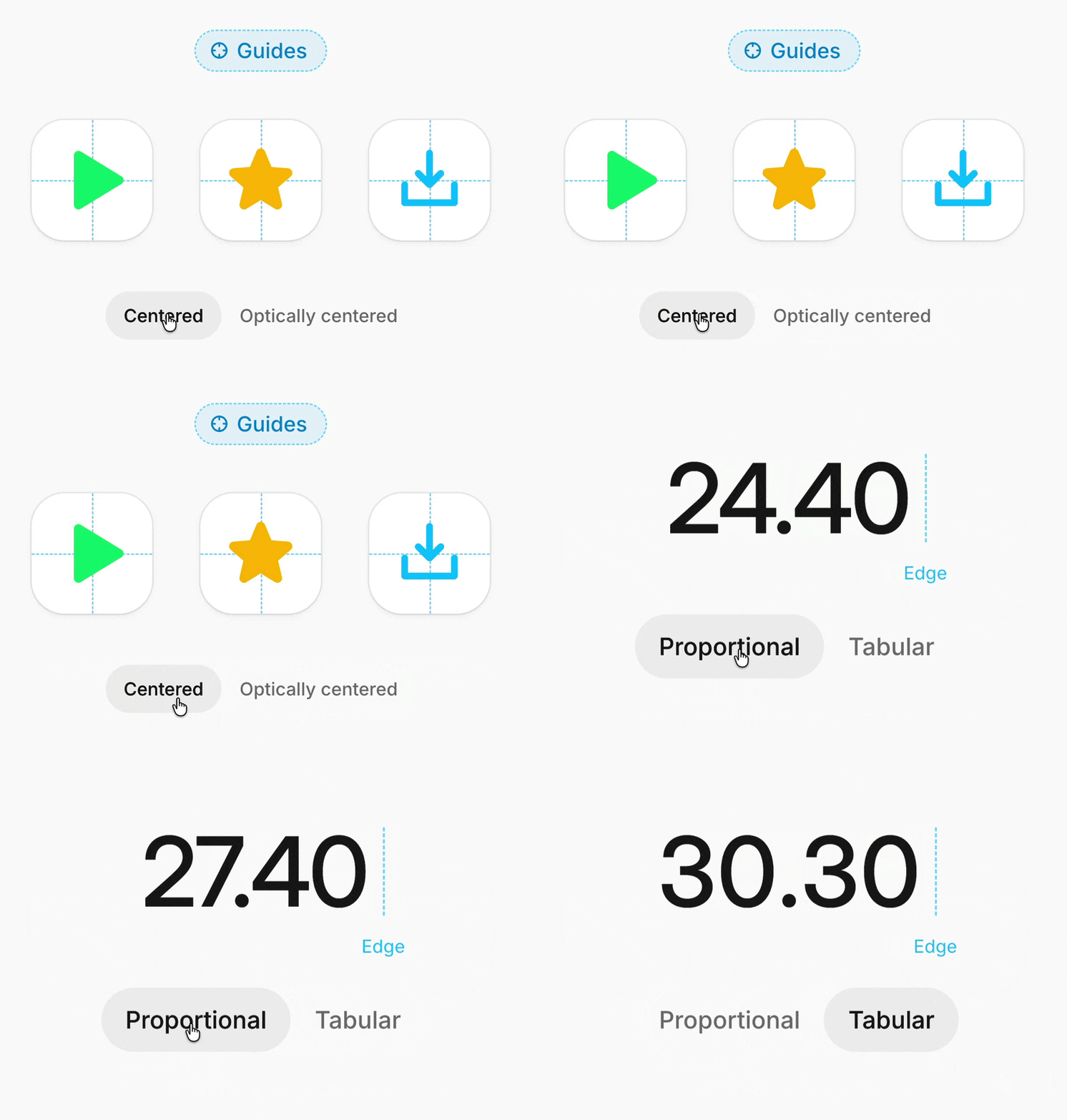
Design Engineering AI Skills, a growing collection of design engineering concepts packaged as AI agent skills. By Gustavo Fior.
What I personally find most interesting about skills isn't a way to put them to work for quick prototypes, but literally reading through them, line by line.
All the little and big decisions articulated in those skills sometimes make me question some of the views and ways of thinking I've adopted over the years — and then find something refreshing that really seems to be more accurate or simply better designed than what I assumed is right initially.
If you do use those skills, please do read through them — to understand why certain things look the way they did, and perhaps override them with your personal views and understanding of how they should be.
2. Free Claude Code Course: Data To Decisions #
Free Claude Code Course For Designers (3h) is a lovely free course for designers, PMs and researchers to turn insights into what actually gets built — with Claude Code skills, interactive tutorials, and everything from initial setup and findings to deciding and handing over. By Caitlin Sullivan.
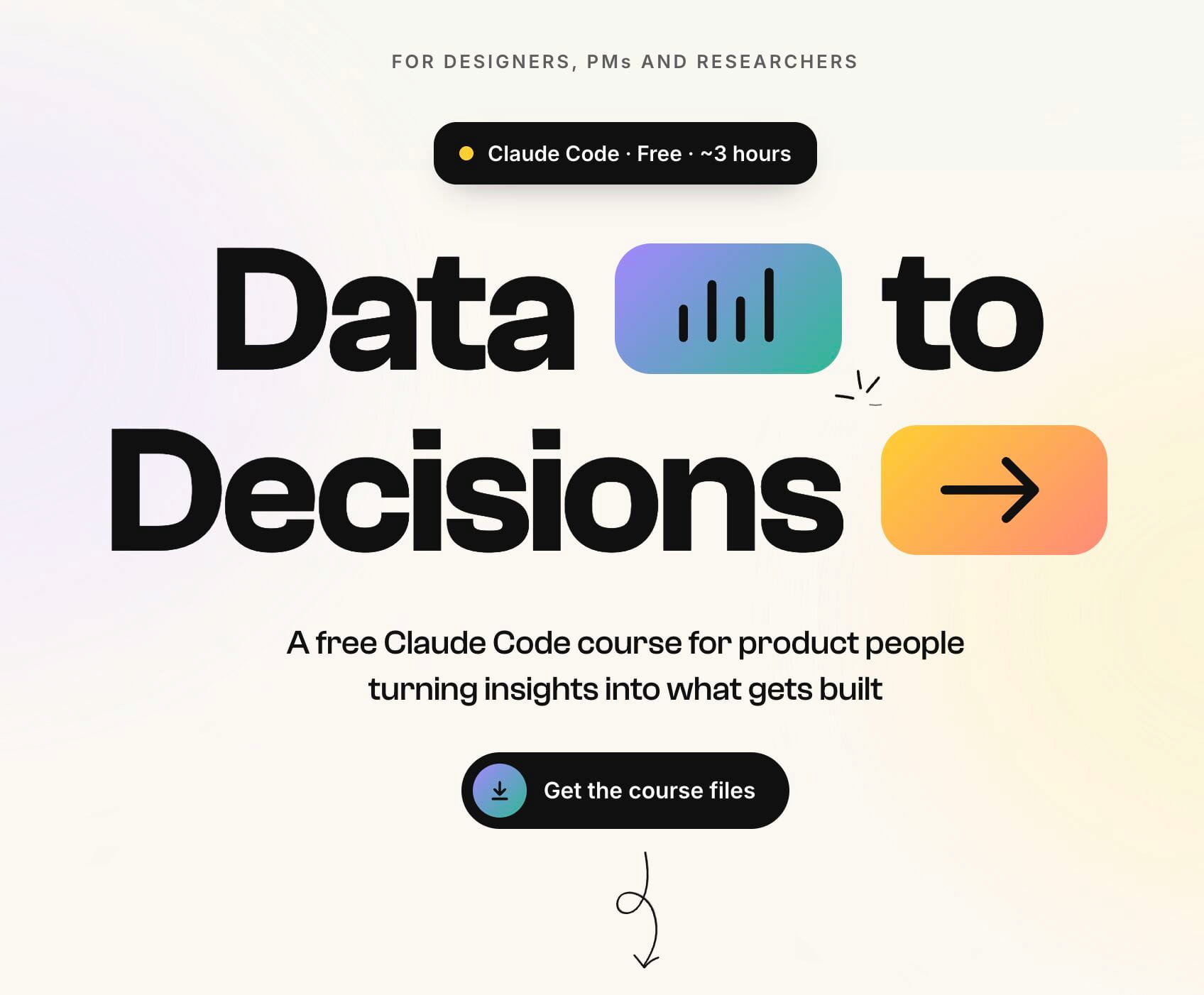
A free 3h course for designers, PMs and researchers — from initial setup and findings to decisions and handover.
You'll take a folder of customer data (survey responses and session notes, full of contradictions) through to verified findings, a ranked list and a written decision, a design critique, a skill you build along the way that reruns the process next time — and useful techniques for better analysis along the way. Knowing Caitlin's work, this is quite a goldmine to explore.
3. Generate Showroom UI (AI Skill) #
When you want to illustrate a concept, a feature or an idea — e.g. on a landing page or in documentation — sometimes adding detail and context is unnecessary, and makes it more difficult to communicate an idea.
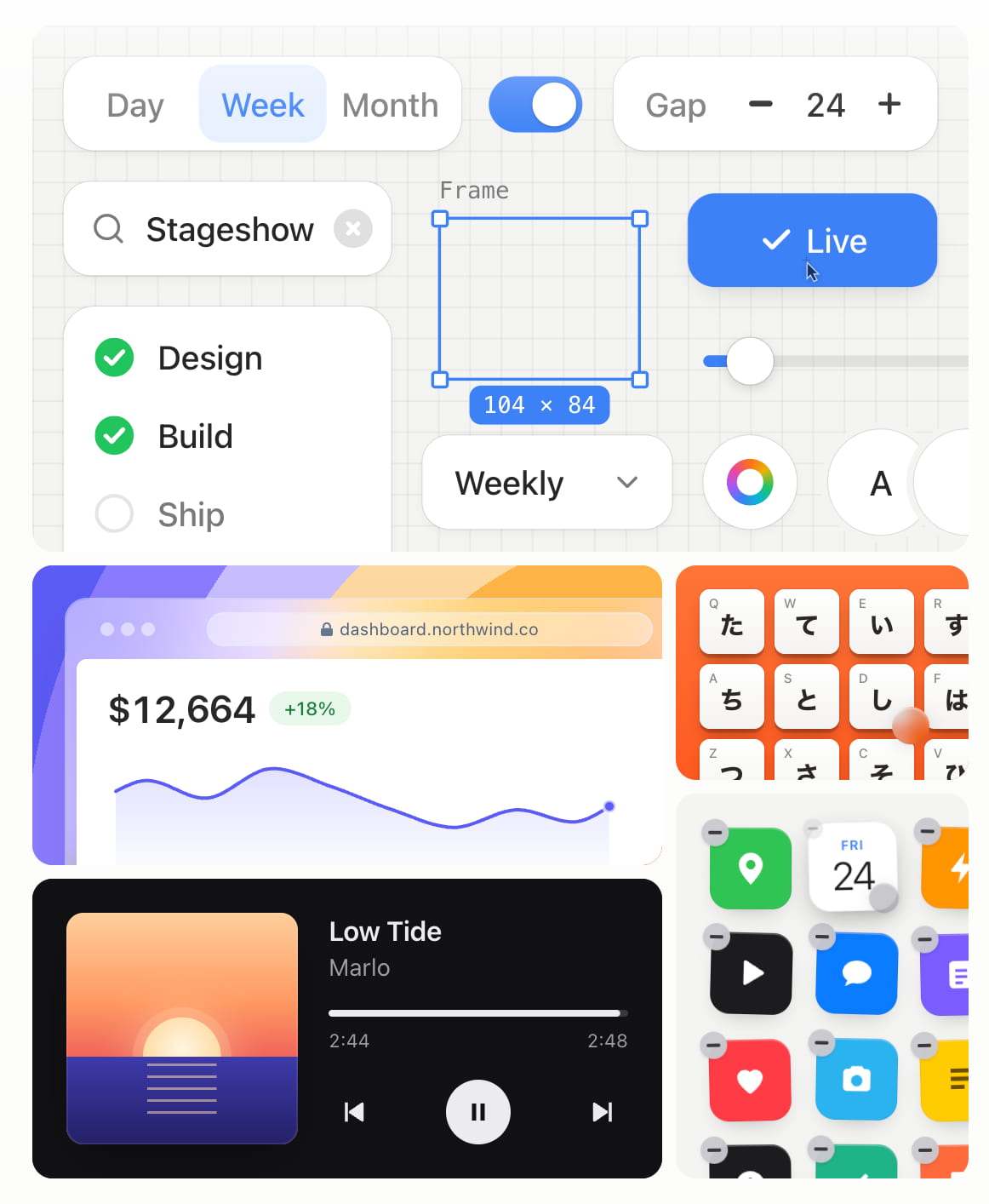
Sometimes you just need to illustrate concepts quickly. That's what Stageshow is for.
By default, agents tend to pack every component with verbose sentences, unnecessary illustrations and unnecessary motion. If you want to explain something quickly, you might need Stageshow.
It's a curated set of decisions about framing, cropping, restraint, cursor behaviour, looping, written for AI agents to generate consistently. Agent starts with examples and reviews its work against them. Put together by Benji Taylor.
4. Code → Figma And Back: AI-Ready Design System #
Code → Figma And Back, a detailed hands-on guide on how to build an AI-ready design system from scratch — along with AI prototyping inside your design system and Storybook ↔ Figma workflow.
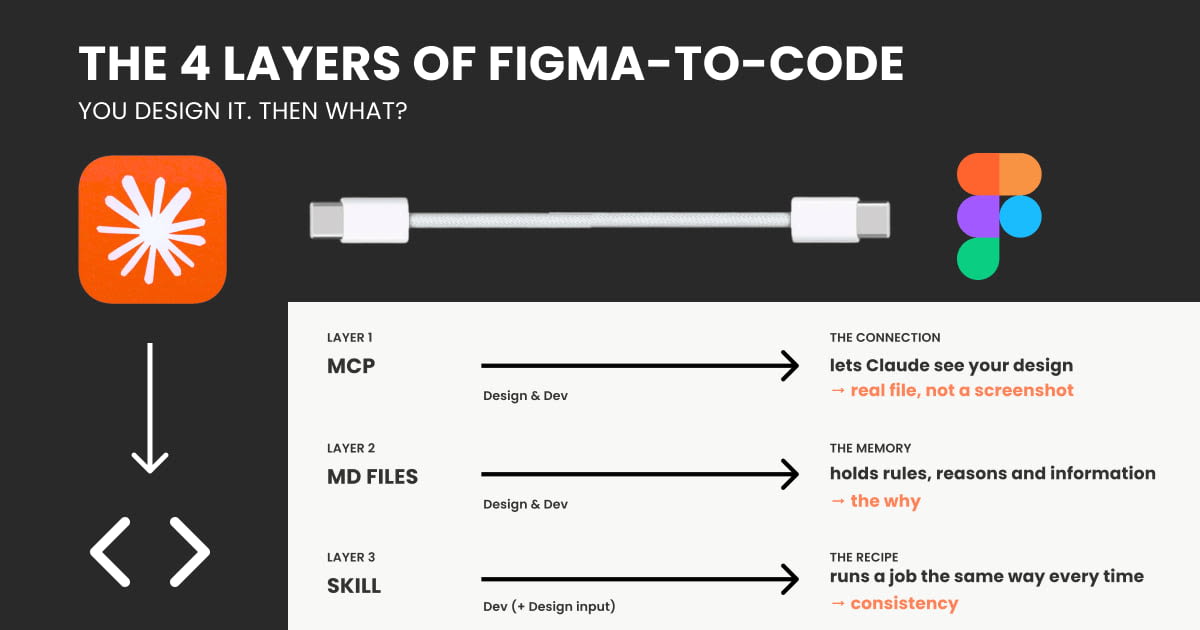
Christine's series on AI-Ready Design Systems: code as the source of truth, Figma as the mirror, with MCP as the bridge.
Christine walks through the full workflow step by step — connecting the repo, running Storybook, transferring tokens and styles first, building components, finding gaps, and setting up a parity check to keep the two sides honest over time.
Written for designers who know Figma well but have never written production code — and for the design system teams around them. A wonderful series to dive into. By Christine Vallaure.
5. Notion: AI Skills & Workflows For Designers #
AI Skills And Workflows For Designers is a growing Notion hub with ready-made project structures, Claude skills, design tokens pipeline and AI design dictionary. Wonderful little helper, put together and updated by Carmen Rincon.
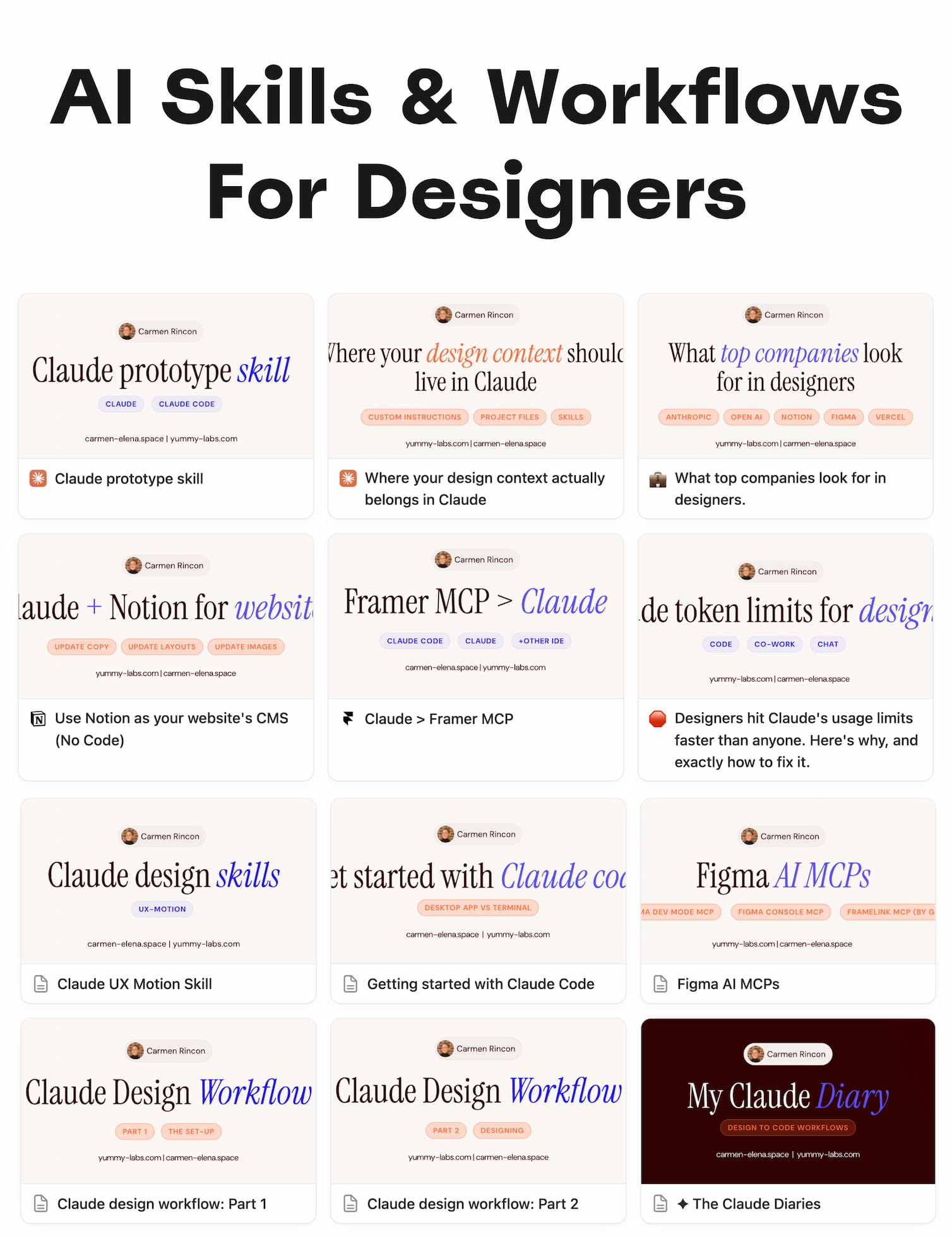
A growing Notion hub with Claude skills, project structures, design tokens pipeline and an AI design dictionary for designers.
Useful AI Skills For Designers #
- Product Design Decisions: AI Skills Pack (Claude etc.), by Jamie Mill
- Skills For Designers and Researchers, by Marie-Claire Dean
- UX Strategy and Design Skill, by Carlos Cuellar
- UX Writing Skills, by Christopher G., Jesse Vincent
- UX Research Claude Skills, by Nikki Anderson
- Design Vocabulary For Coding Agents, by Paul Bakaus
- Animation and Motion Design Skills, via Emil Kowalski
- Accessibility Skills, by Mike Gifford, CPWA
- Inclusive Design Skills, by Marie-Claire Dean
- Systems Thinking Skills, by Travis Boudreaux
- Agent Skills For Engineers, by Hassan Djirdeh, Addy Osmani
- Lenny's PM Skills, by Lenny Rachitsky
- 100 AI Skills For Product Managers, by Paweł Huryn
- System Thinking and Service Design Workbook, by Natália Tôrres
Useful Guides To Claude For Designers #
- Claude Code For Designers: A Practical Guide, by Tommaso Nervegna
- Free 4h Claude Code Course For Designers, by Alen Faljic
- The UX Researcher's Guide to Claude, by Brittany Hobbs
Wrapping Up #
All these guides, skills and resources above are highly opinionated — they are personal recommendations and ways of working that designers follow to automate mundane tasks and leave space for decisions that matter.
They might (or might not) apply to your workflow — and typically they would be too opinionated to be useful as-is for your specific environment. So explore and study them, but also build on top of them or create something entirely new.
But always embed a unique point of view that comes from your personal experience, and from what has worked and has failed in your organization. That's the most valuable asset that you bring to the table.